Documentation Index
Fetch the complete documentation index at: https://docs.knotie-ai.pro/llms.txt
Use this file to discover all available pages before exploring further.
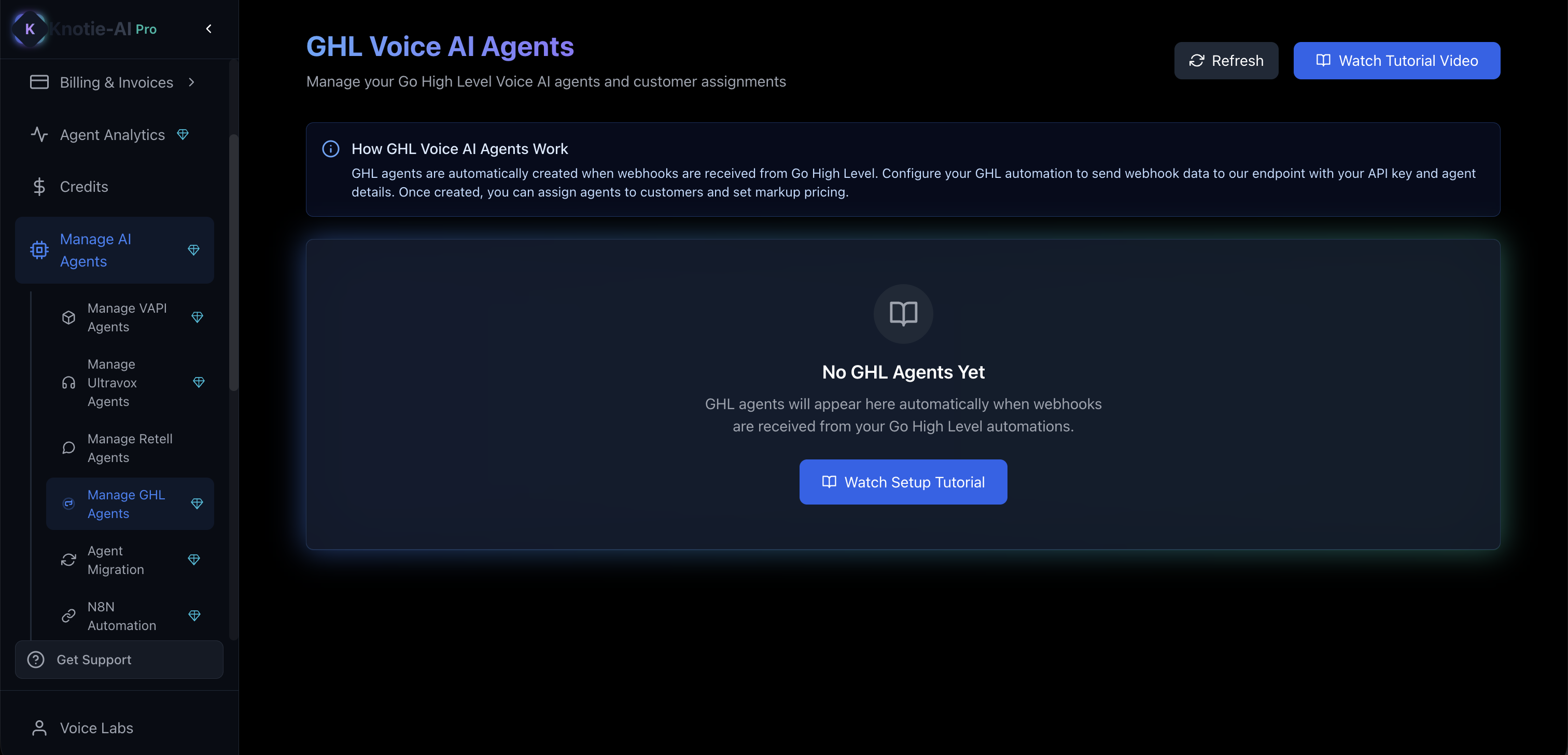
What GHL agent management does
GHL agents in Knotie AI are designed for agencies already using GoHighLevel. The main value is:- Bring GHL voice activity into Agent Analytics
- Map activity to customers
- Track costs and outcomes
Where to find it
- Open Manage AI Agents.
- Click Manage GHL Agents.
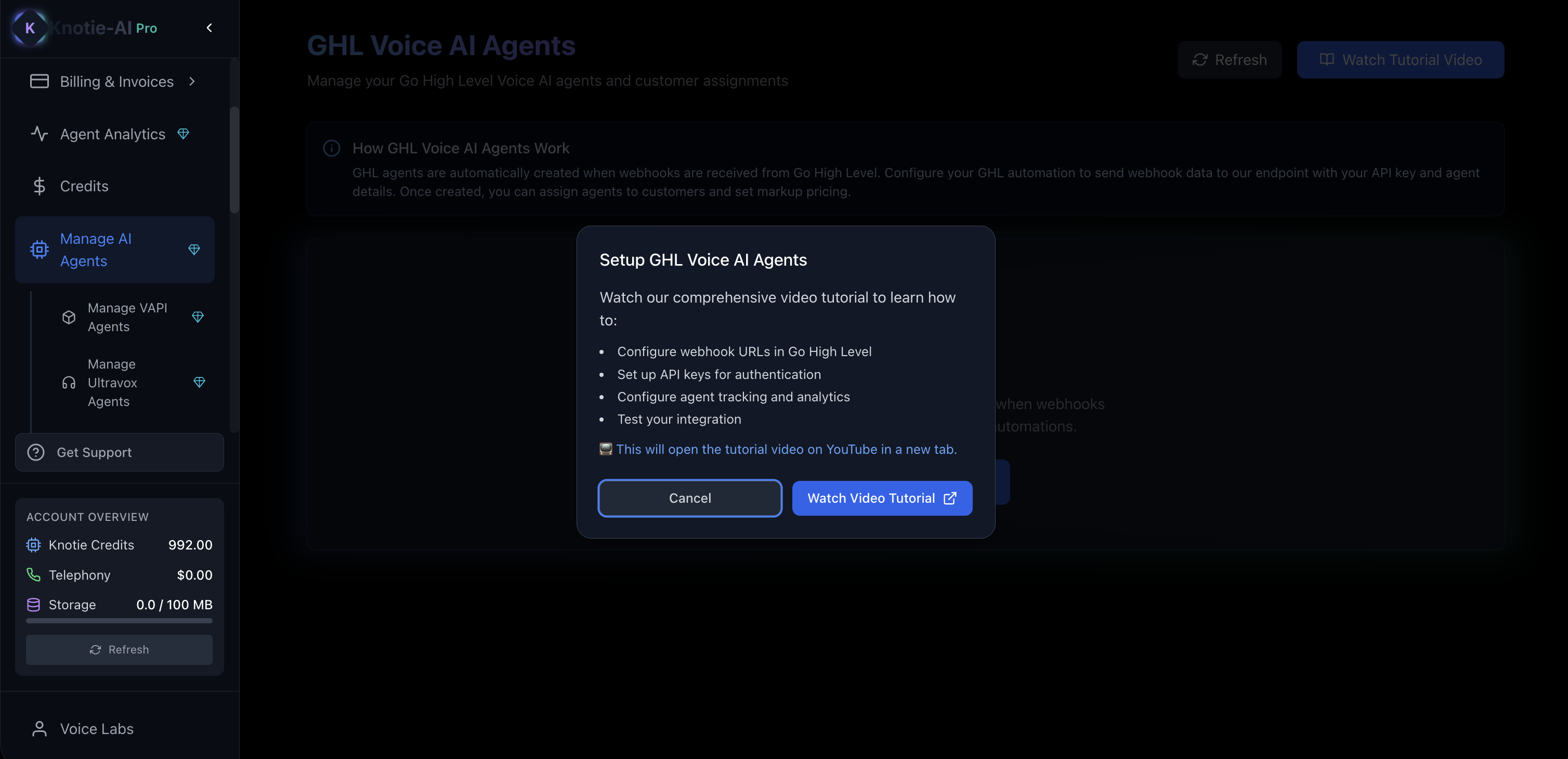
Watch the setup tutorial
On the GHL agents page, you’ll see a button like:- Watch Tutorial Video / Watch Setup Tutorial
- Configure webhook URLs in Go High Level
- Map agents to customers
- Set profit multipliers
- Test the integration
When agents will appear
GHL agents typically show up after webhooks are received from your GoHighLevel automations. If the list is empty:- Confirm your webhook is installed correctly.
- Trigger a test event from GHL.
- Click Refresh.
Map an agent to a customer
- Open the agent actions.
- Choose the mapping option.
- Select a customer.
- Set your markup (profit multiplier).
Screenshots